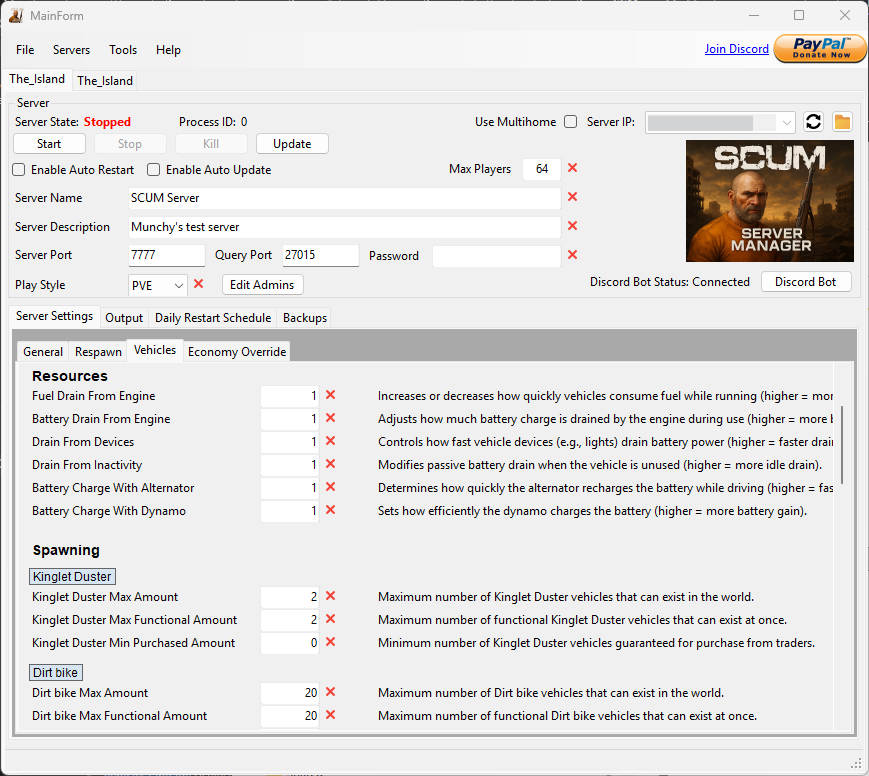
Configuration editing
Review server settings in the app, including ServerSettings.ini and EconomyOverride.json.

SCUM
Install, configure and maintain your SCUM dedicated server. SSM brings server settings, updates and backups into a Windows app, with additional tools in Pro.
Working with SSM
Work with the files and controls used by a SCUM dedicated server. SSM is available in early access, with development ongoing.
Review server settings in the app, including ServerSettings.ini and EconomyOverride.json.
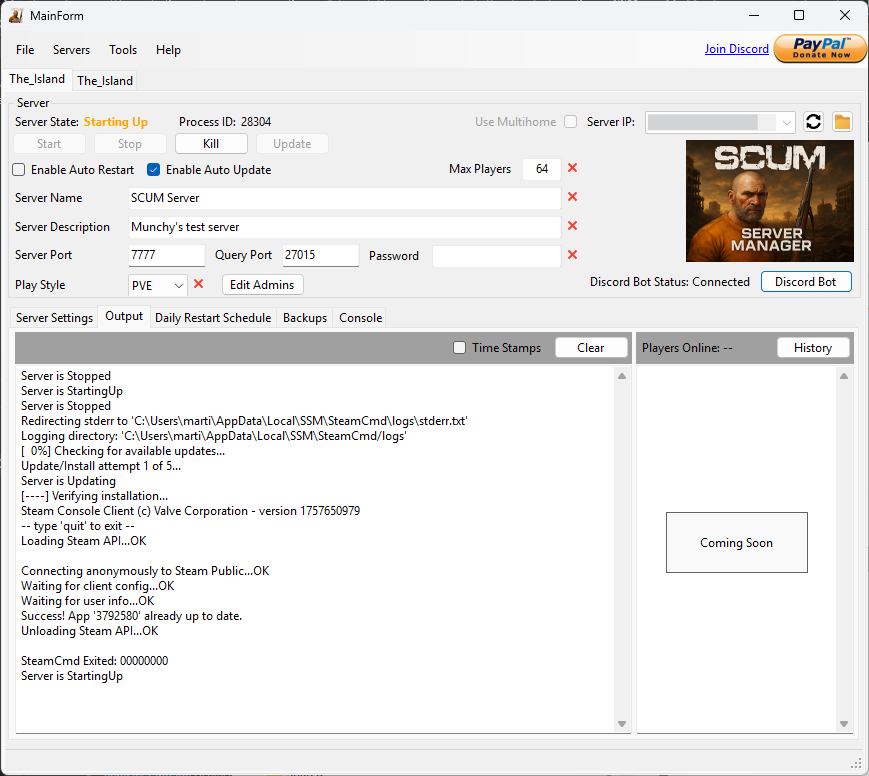
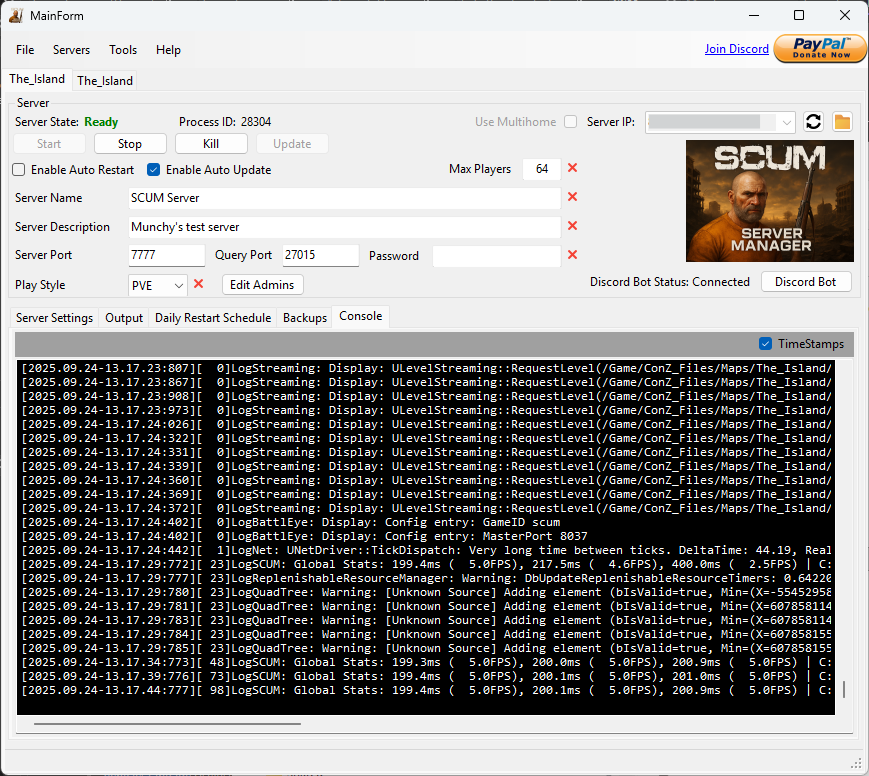
Install and update server files through SteamCMD. Check server state and use automatic update checks and crash monitoring.
Create backups of server data and restore them when needed. Pro adds advanced backup handling.
Set scheduled restarts, manage multiple servers and use the Discord bot for supported server actions. Webhooks provide server notifications.
Real application screenshots.
Select an image for a closer look.
Lite & Pro
Start with a single server in Lite. Choose Pro for multiple servers and the additional tools below.
SSM LITE
Core tools for a single server.
Optional contributions on itch.io.
SSM PRO
Multiple servers and extra admin tools.
See current pricing and offers on itch.io.
| Feature | Lite | Pro |
|---|---|---|
| Servers managed | One | Multiple |
| Install and update server files | Included | Included |
| Configuration editing | Included | Included |
| Automatic updates and crash monitoring | Included | Included |
| Backup and restore | Included | Included |
| Advanced backup handling | Not included | Included |
| Scheduled restarts | Not included | Included |
| Discord bot | Not included | Included |
| Webhook notifications | Not included | Included |
SSM is in early access; features are still being developed. Downloads, purchases and current release details are on the Lite store page and Pro store page.
Before you download