Settings in one place
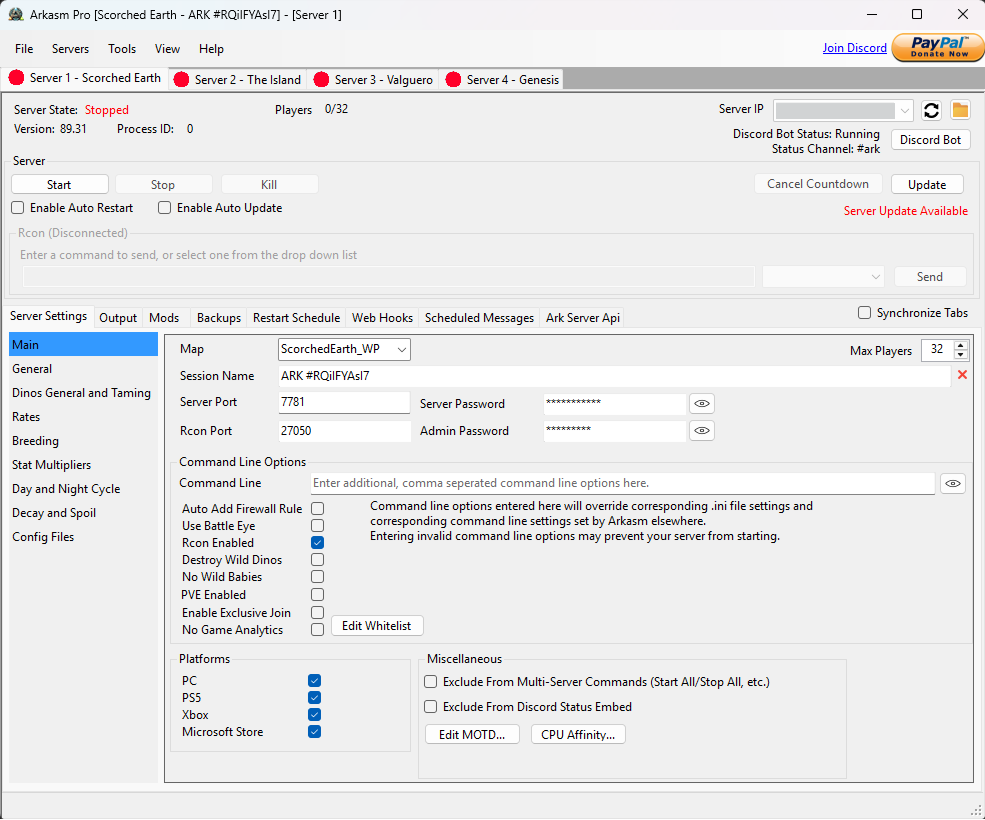
Choose your map, ports and launch options. Edit Game.ini and GameUserSettings.ini through the app, with direct file access when you need it.

ARK: Survival Ascended
Set up your ASA server, edit its settings and keep it maintained. Use Lite for one server or Pro to manage several from the same window.
Working with Arkasm
Keep server controls, configuration and routine maintenance together. The edition comparison shows which tools are included in Lite and Pro.
Choose your map, ports and launch options. Edit Game.ini and GameUserSettings.ini through the app, with direct file access when you need it.
Install and validate server files, check for updates and schedule restarts. Countdown warnings give players notice before a shutdown.
Create and restore backups. Pro adds options for backup storage and retention.
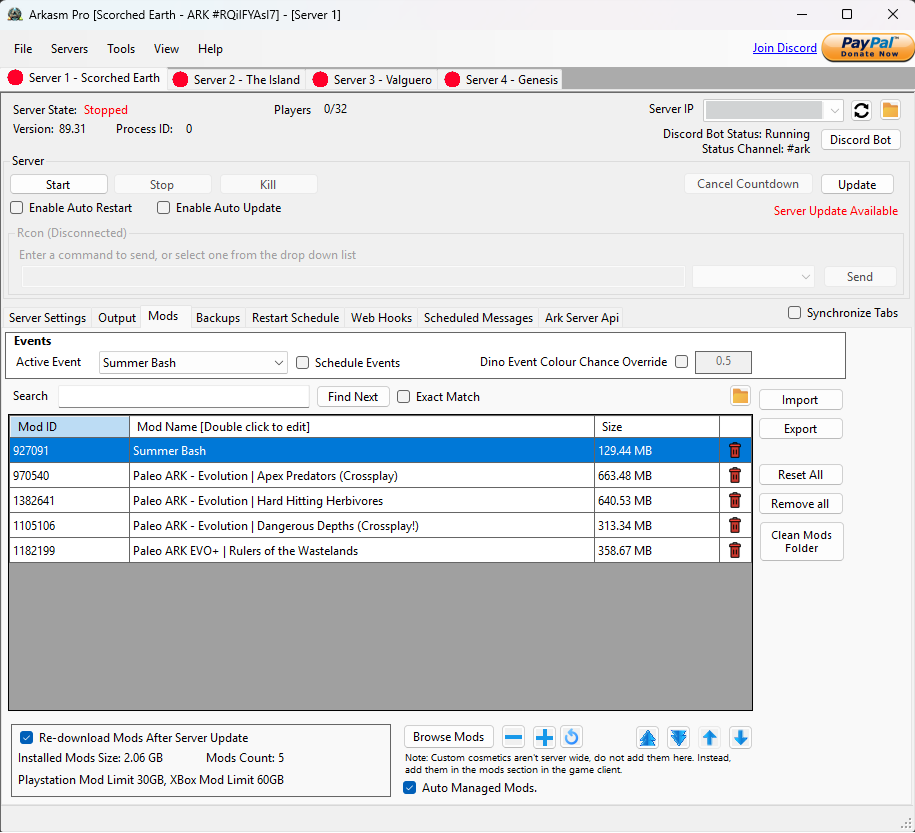
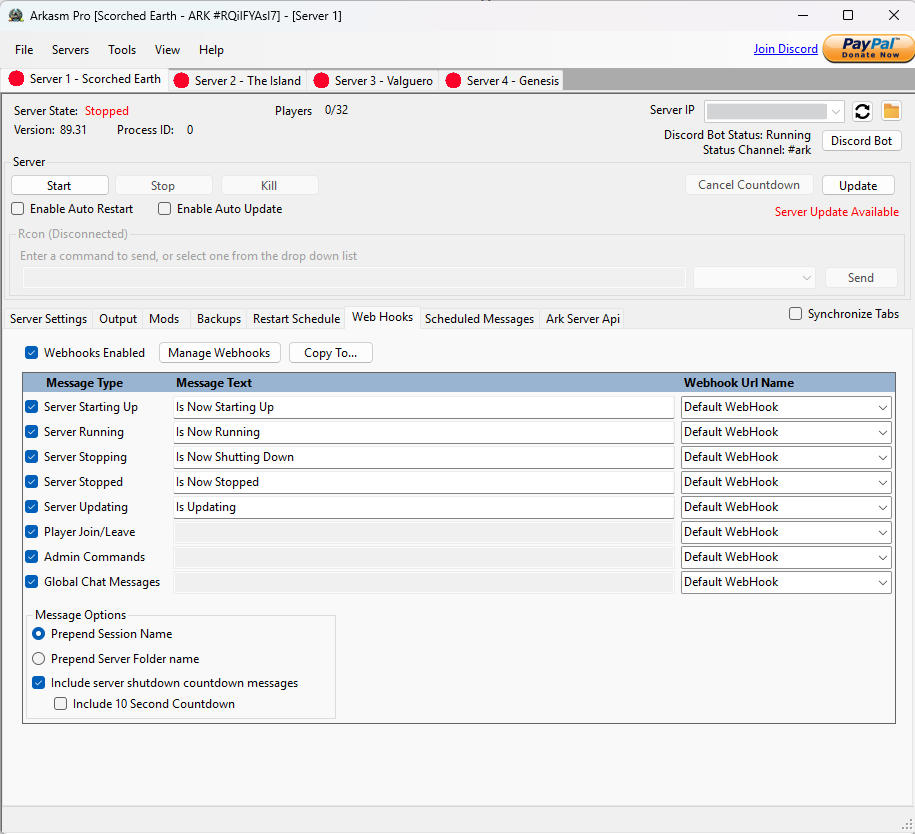
Manage multiple servers, browse CurseForge mods, maintain Ark Server API and use Discord integration and webhook notifications.
Apply reusable event-rate profiles live after starting the server with Dynamic Config enabled. Schedule rate changes or link profiles to ARK events. See the availability note in the edition comparison below.
Real application screenshots.
Select an image for a closer look.
Lite & Pro
Start with a single server in Lite. Choose Pro for multiple servers and the additional tools below.
Arkasm LITE
Core tools for a single server.
Optional contributions on itch.io.
Arkasm PRO
Multiple servers and extra admin tools.
See current pricing and offers on itch.io.
| Feature | Lite | Pro |
|---|---|---|
| Servers managed | One | Multiple |
| Install, update and validate server files | Included | Included |
| Game settings and launch options | Included | Included |
| RCON commands | Included | Included |
| Automatic update checks and crash restart | Included | Included |
| Scheduled restarts | Included | Included |
| Backup and restore | Included | Included |
| Advanced backup handling | Not included | Included |
| Built-in CurseForge mod browser | Not included | Included |
| Ark Server API integration | Not included | Included |
| Webhook notifications | Not included | Included |
| Discord bot | Not included | Included |
| Dynamic Config profiles and schedules | Not included | Release-dependent* |
*Dynamic Config is a Pro feature. New releases may have a Patreon early-access period; check availability in your installed version. Read the Dynamic Config guide.
Arkasm Pro is for non-commercial use only. Downloads, purchases and current release details are on the Lite store page and Pro store page.
Before you download